'/%3E%3C/svg%3E)

'/%3E%3Cpath%20fill='%23b2b2b2'%20d='M241%20382q0%2016%2017%2026%2017%2011%2042%2011t42-11q16-11%2017-26V269H241'/%3E%3Cpath%20fill='%239f7e00'%20d='M241%20379q0%2014%208%2023%209%209%2021%209%2014%200%2021-9%209-9%209-23V269h-59'/%3E%3Cpath%20d='M241%20339v-70h59v110q0%2014-9%2023l-6%205v-68h-15v72q-8%200-14-4v-68zm59%2040c0%2022%2015%2032%2029%2032%2021%200%2030-18%2030-32v-40h-59'/%3E%3Cpath%20fill='%239f7e00'%20d='M266%20277v5h2v12h-3v-5h2v-5h-9v5h2v5h-4v9h3v18h-5v10h34v-10h-5v-18h3v-9h-4v-5h2v-5h-9v5h2v5h-3v-12h2v-5zm42%20101q0%2010%206%2017%206%206%2015%207%2010-1%2016-7%206-7%206-17v-29h-43'/%3E%3Ccircle%20fill='%230044ad'%20cx='329.5'%20cy='372'%20r='6'/%3E%3Cellipse%20fill='%230044ad'%20cx='300'%20cy='340'%20rx='16'%20ry='21'/%3E%3C/svg%3E)


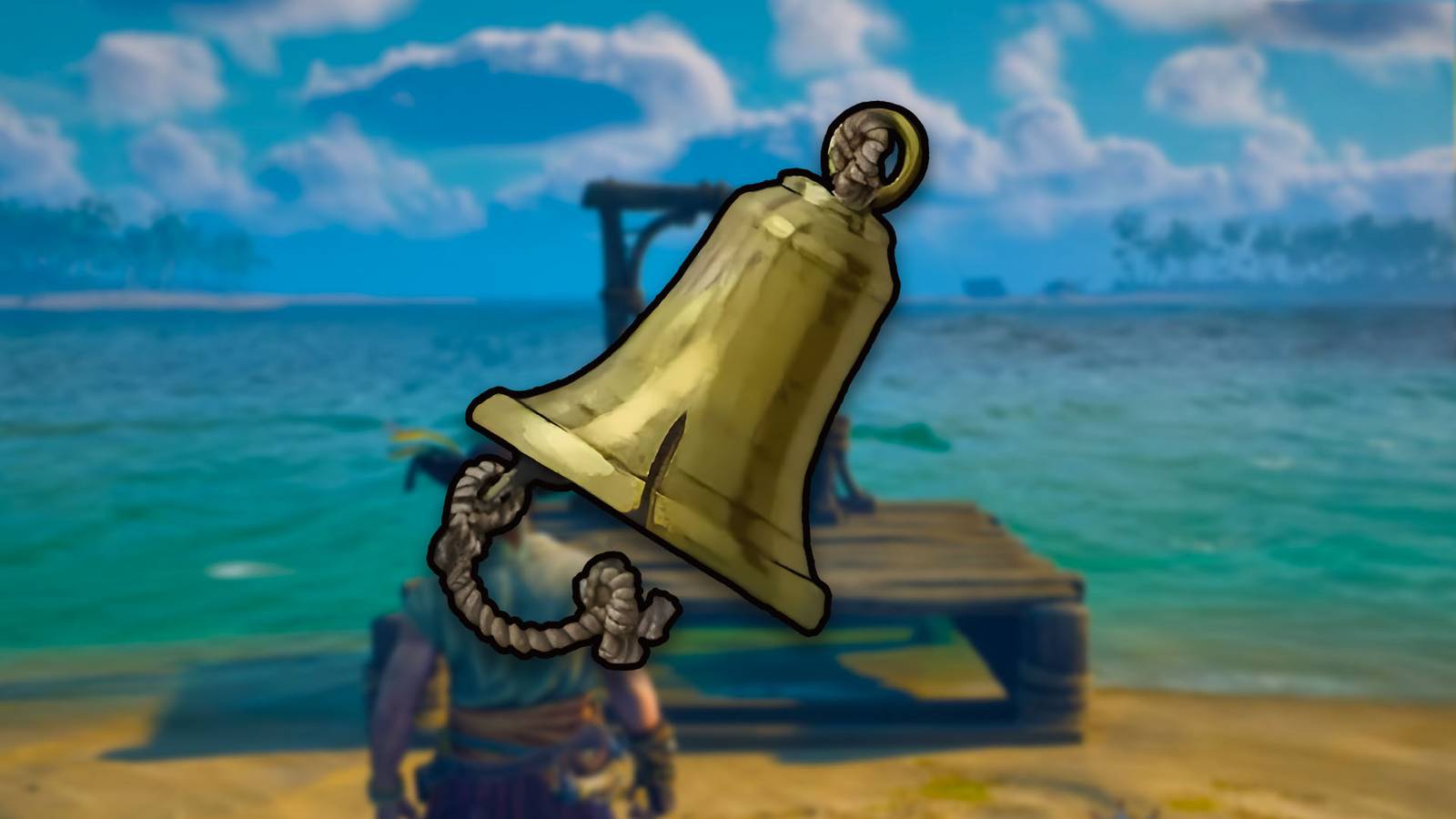


While navigating the open sea is a fundamental part of the Windrose experience, traveling between distant archipelagos can become a major time sink as you progress.
To manage your resources and protect your loot effectively, setting up a network of waypoints is a top priority for any serious pirate.
Mastering the Fast Travel system is a necessity for those looking to dominate the high seas without wasting hours in transit. Here is how to unlock the technology, craft your own Bells, and use advanced tactics to save time in Windrose.

Related
All Weapons in Windrose
Here’s a look at the boomsticks and sharp sticks you’ll be using to fight zombies, pirates, and zombie pirates in Windrose.
Fast Traveling in Windrose Overview
Step
Action
Requirements
1. Locate
Find the Boat Wreckage on the far Eastern coast of the starting island.
None
2. Unlock
Loot the Fast Travel Bell from the Supply Cache.
Pick up the item
3. Craft
Create more Bells at the Workbench.
10 Copper Ingots & 3 Ropes
4. Place
Use the Construction Menu to set a Waypoint.
1 Bell & 20 Wood
How to Unlock the Fast Travel Bell
You won’t find the fast travel recipe in a skill tree. Instead, Windrose forces you to find the physical technology out in the world before you can replicate it at your base.
To get started, open your map and look at your starting island. You are looking for a question mark (?) icon located on the far Eastern coast.
Head there to find a massive Boat Wreckage stranded on the sand. Inside the Supply Cache, among the debris, you will find your first Bell. The moment you pick it up, the crafting recipe will automatically appear in your Workbench menu.
Crafting and Setting Up Waypoints
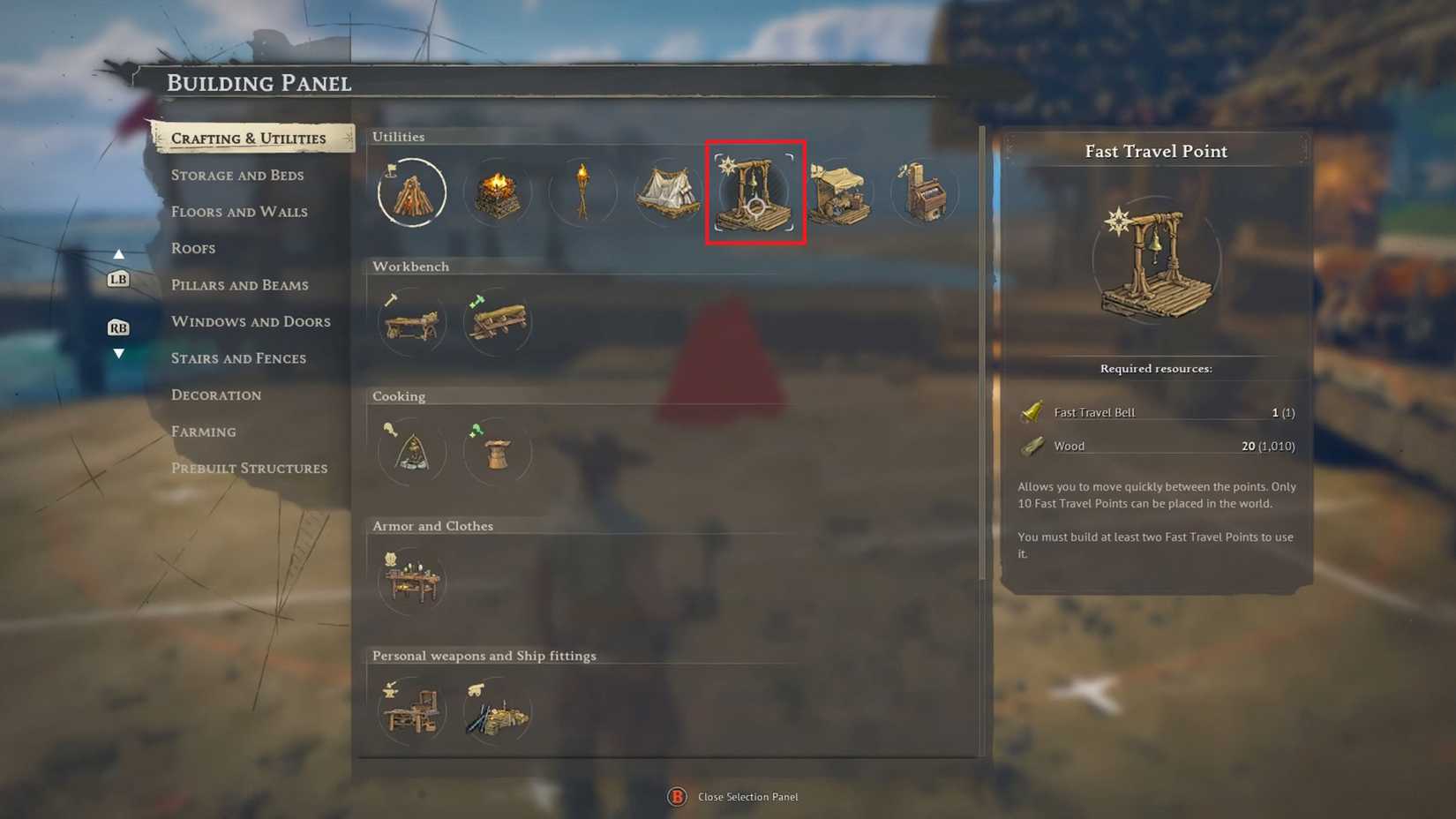
Image via GameRant; Source: Kraken Express
Building a teleportation network is a heavy investment, especially in the early game.
You can have up to 10 Fast Travel points active at once, but each one requires a trip to the mines.
Crafting the Bell (Workbench)
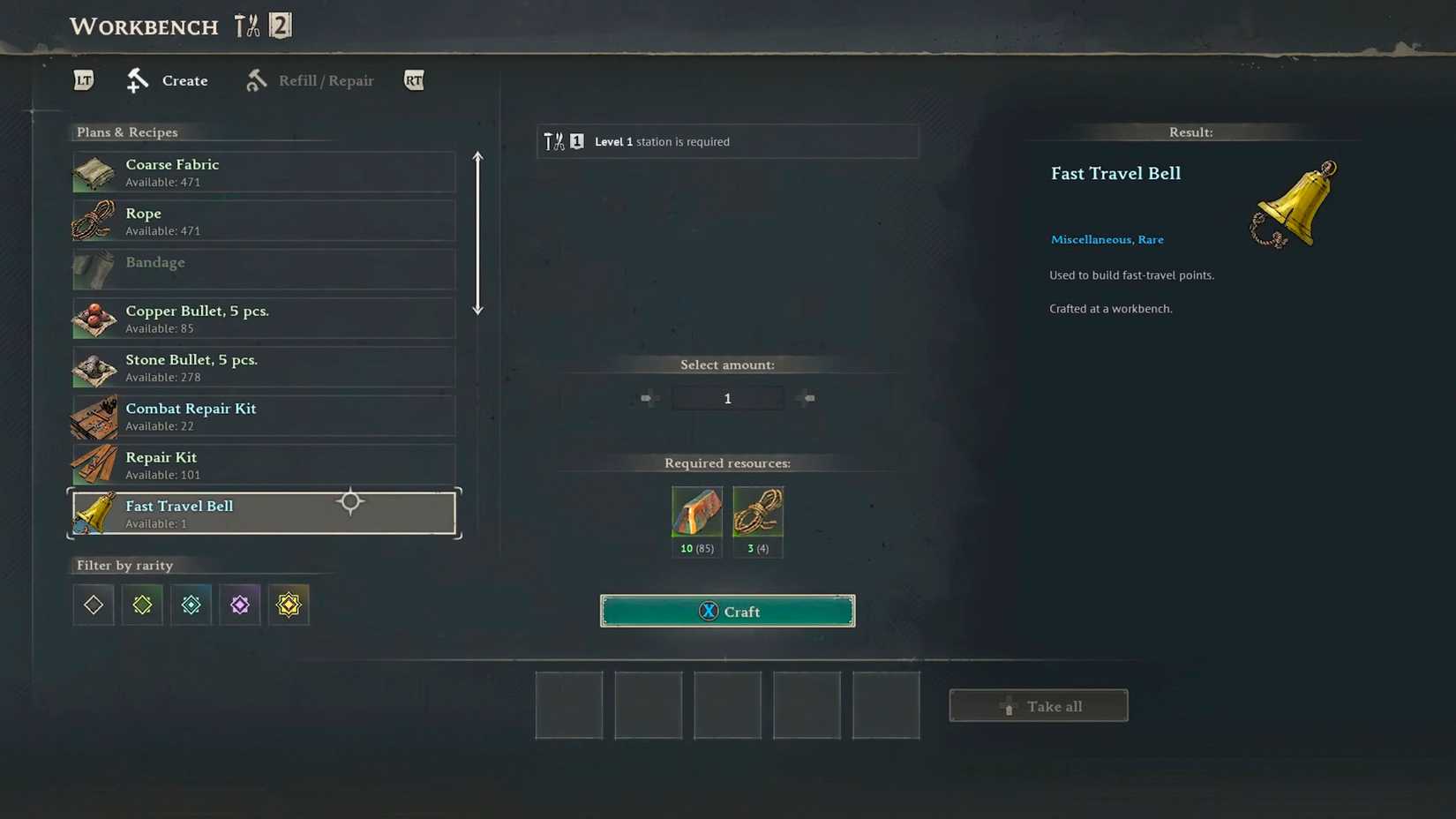
Image via GameRant; Source: Kraken Express
The Bell is the “expensive” part of the build. You will need:
10 Copper Ingots
This is the real grind, as it requires 40 Copper Ore. You can find this mineral in dark caves marked by the pickaxe icon on your map.
3 Ropes
These are easily made at the Workbench using basic plant fibers.
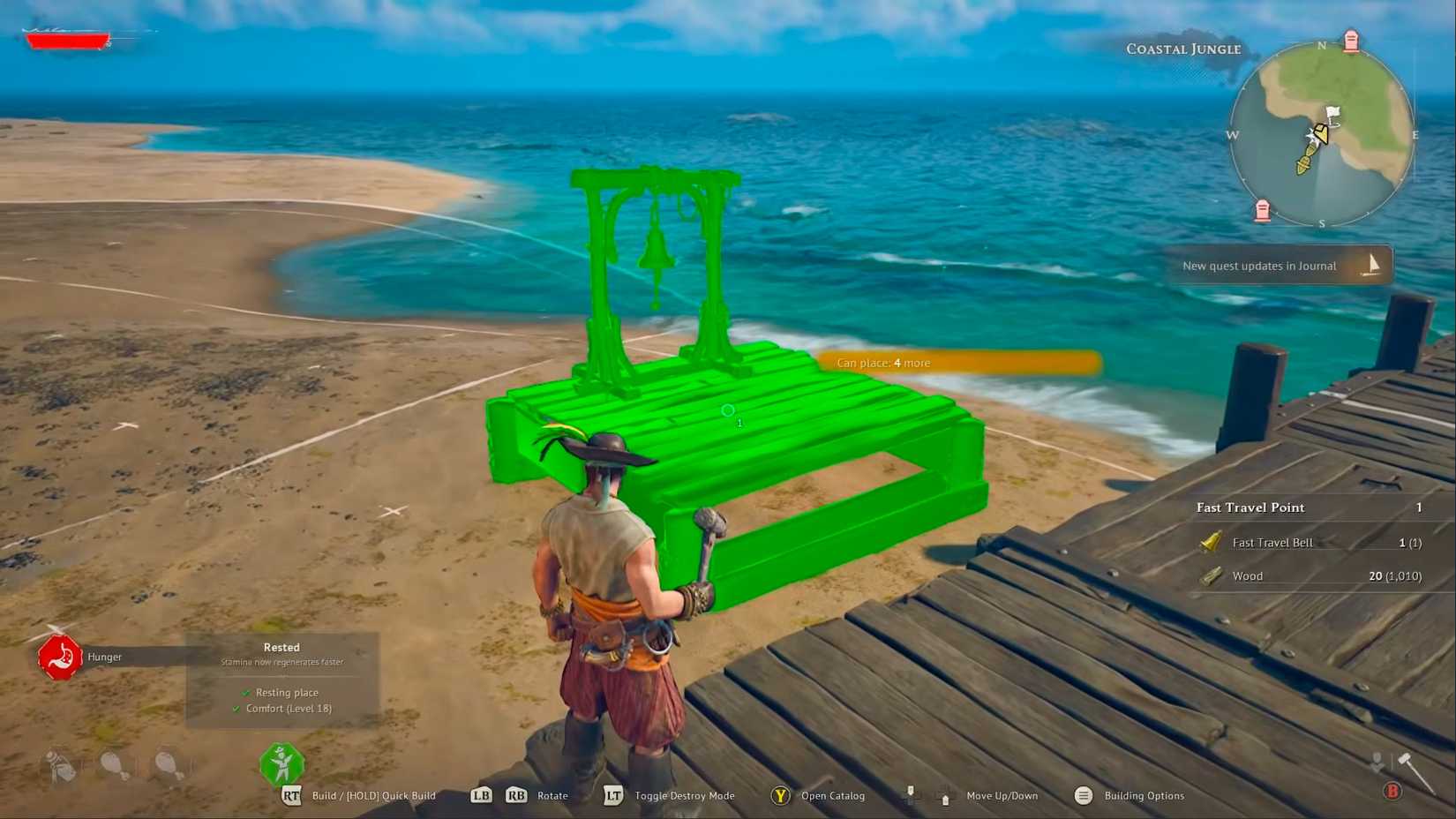
Image via GameRant; Source: Kraken Express
Once you have the Bell, open your Construction Menu by hitting ‘B’ by default, or your custom-assigned key, and check the Crafting and Utilities tab. To drop a waypoint, you just need:
1 Fast Travel Bell
20 Wood
Keep in mind: You need at least two points placed for the system to work. Also, these waypoints must be placed within a Bonfire’s radius, or they won’t activate.
How to Travel More Efficiently in Windrose
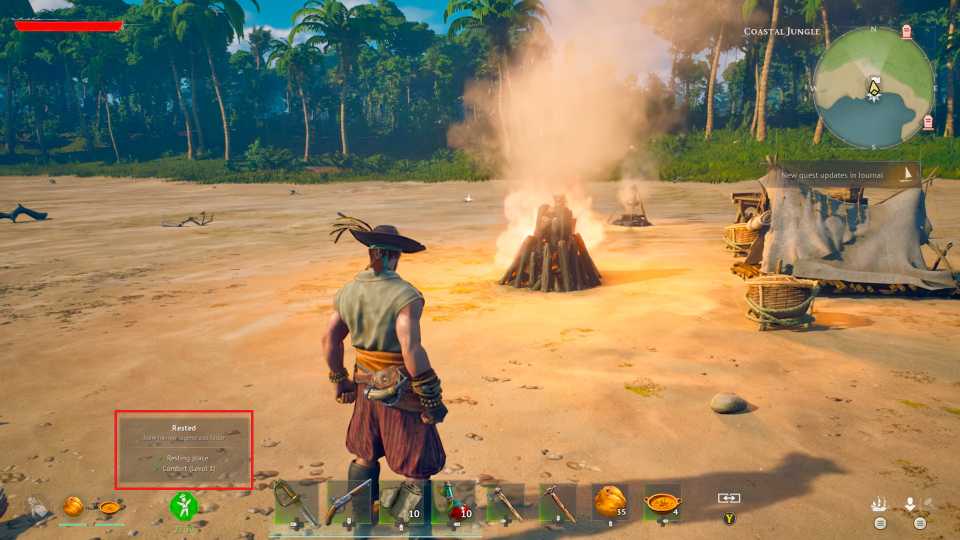 Image via GameRant; Source: Kraken Express
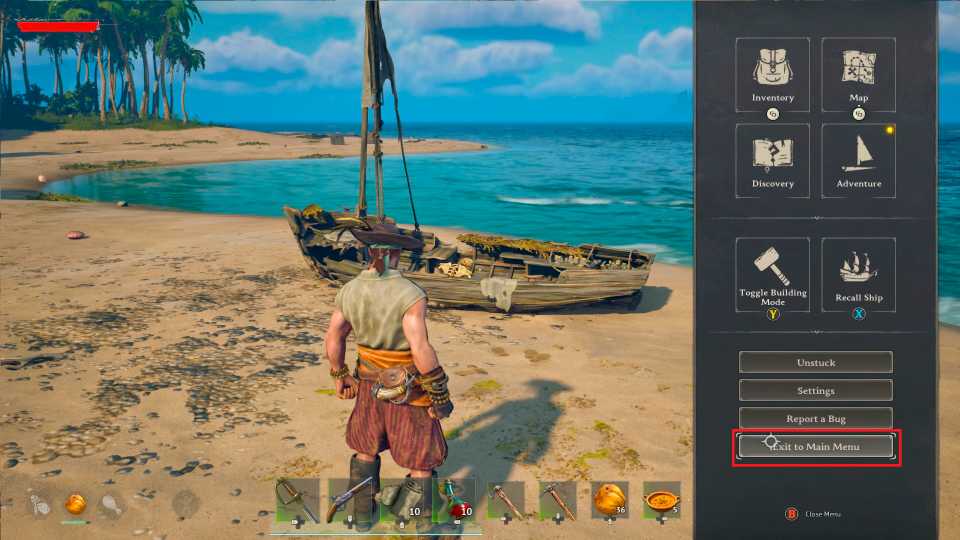 Image via GameRant; Source: Kraken Express
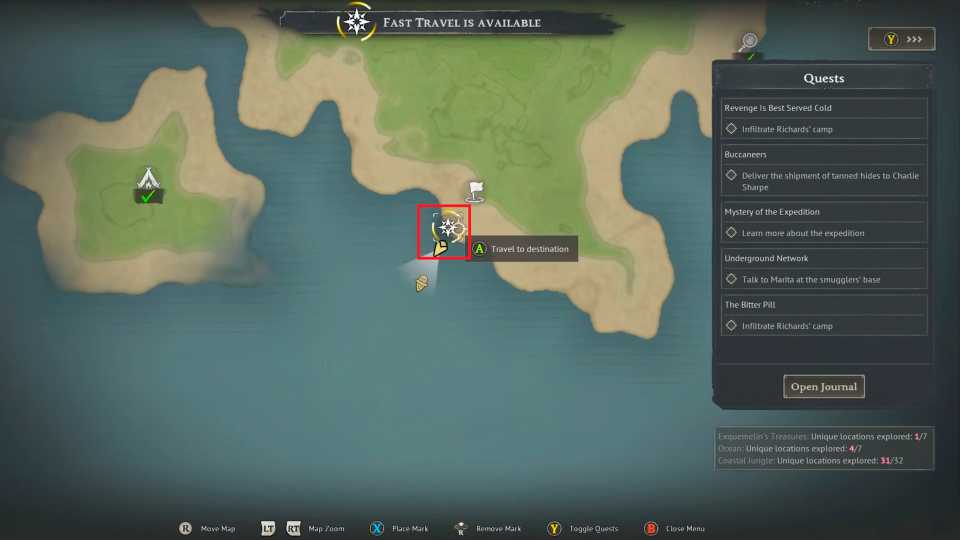 Image via GameRant; Source: Kraken Express
If you want to move across the map like a veteran and stop wasting time farming copper, these strategies will help you optimize your transport network.
The “Secondary World” Trick: Since your character’s inventory carries over between saves, you can simply spawn a fresh world, run East to grab the free Bell from the shipwreck, and bring it back to your main game. This is significantly faster than mining 40 Copper Ore every time you need a new waypoint.
Teleporting from your Boat: Many players overlook this, but you do not actually have to stand at a Bell to travel. If you are steering your boat, you can open the map and click on any placed Waypoint to teleport there instantly. This is a lifesaver when you need to drop off a heavy haul of loot quickly.
Manage your Comfort Level: Avoid placing your Fast Travel Bell directly next to your bed. If it tanks your Comfort Level, you will lose your valuable stamina buffs. Place it just outside your front door while ensuring it remains within the bonfire’s range.
Final Thoughts
While the 10-point limit means you cannot have a waypoint on every single island, strategic placement will transform your exploration. By utilizing the “Secondary World” trick and traveling directly from your boat, you can spend less time sailing and more time conquering the world.
