'/%3E%3C/svg%3E)

'/%3E%3Cpath%20fill='%23b2b2b2'%20d='M241%20382q0%2016%2017%2026%2017%2011%2042%2011t42-11q16-11%2017-26V269H241'/%3E%3Cpath%20fill='%239f7e00'%20d='M241%20379q0%2014%208%2023%209%209%2021%209%2014%200%2021-9%209-9%209-23V269h-59'/%3E%3Cpath%20d='M241%20339v-70h59v110q0%2014-9%2023l-6%205v-68h-15v72q-8%200-14-4v-68zm59%2040c0%2022%2015%2032%2029%2032%2021%200%2030-18%2030-32v-40h-59'/%3E%3Cpath%20fill='%239f7e00'%20d='M266%20277v5h2v12h-3v-5h2v-5h-9v5h2v5h-4v9h3v18h-5v10h34v-10h-5v-18h3v-9h-4v-5h2v-5h-9v5h2v5h-3v-12h2v-5zm42%20101q0%2010%206%2017%206%206%2015%207%2010-1%2016-7%206-7%206-17v-29h-43'/%3E%3Ccircle%20fill='%230044ad'%20cx='329.5'%20cy='372'%20r='6'/%3E%3Cellipse%20fill='%230044ad'%20cx='300'%20cy='340'%20rx='16'%20ry='21'/%3E%3C/svg%3E)

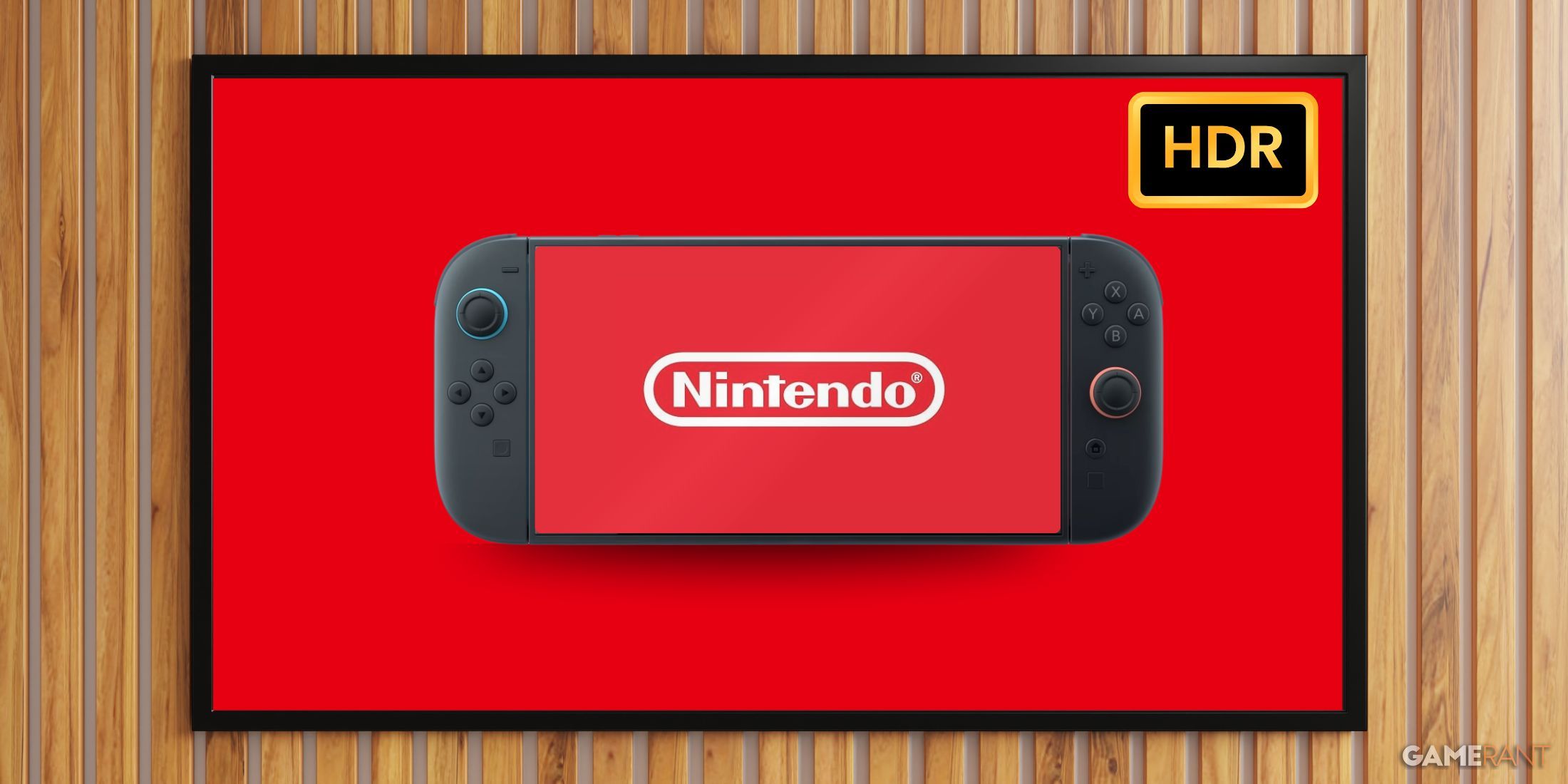


According to experts, adjusting Dynamic Tone Mapping can improve the Switch 2’s HDR performance in docked mode. High Dynamic Range is now standard in most modern monitors and TVs, enhancing image quality by expanding color range and bit depth. The Switch 2 supports HDR in both handheld and docked modes, which is generally seen as a positive. However, many users have criticized how the console’s HDR looks when docked.
Many fans have already tried to find fixes. Recently, a group of players discovered that disabling Switch 2’s HDR for incompatible software helps. It prevents the console from forcing High Dynamic Range onto games that don’t support it, while also helping conserve battery life. Now, some experts have suggested even more technical solutions.
Related
Nintendo Apologizes for Switch 2 ‘Error’
Nintendo apologizes for a marketing ‘error’ that caused it to misrepresent one of the Switch 2 features that some fans were excited for.
The YouTube channel HDTVTest recently explained why Switch 2 games often look washed out and overexposed. The issue stems from the console’s default brightness and whiteness settings. By default, these adjustments are optimized for a Dynamic Tone Mapping setting known as the HDR Gaming Interest Group (HGIG). In short, HGIG improves communication between the game and the display, helping them better align on HDR adjustments. When players use HGIG-incompatible TVs or monitors with a Switch 2, they often end up maxing out brightness and whiteness without realizing it. The result is a flat, overexposed image in games.
Expert Explains How to Fix Switch 2’s HDR
HDTVTest creator Vincent Teoh has outlined how players can fix the Switch 2’s HDR issues on monitors and TVs. The first step is enabling HGIG mode through the connected display’s Dynamic Tone Mapping settings. Luckily, the feature is already enabled on most modern gaming displays. Next, the console’s Max TML (tone map luminance) should be set to 1,000 nits. This is adjusted by completing the double-sun brightness test, where the user brightens one sun until it disappears. Finally, the paper-white brightness should be set to around 200–300 nits.
HGiG-compatible display
Max TML: Adjust based on the built-in test
Paper-white luminance: ~ 200 nits
HGiG-incompatible display
Max TML: ~ 1,000 nits
Paper-white luminance: 200 to 300 nits
Players with an HGIG-incompatible display can still improve the Switch 2’s HDR. Setting the Max TML to around 1,000 nits and adjusting the paper-white luminance to 200 nits is often enough to optimize performance. However, as Teoh recommends, switching to a display that supports HGIG is the best way to get the most accurate HDR tuning on the Switch 2.
Teoh also offers a few tips to improve the Switch 2’s image quality. First, he recommends switching the system theme to “Basic Dark” to prevent Automatic Brightness Limitation on OLED screens. He also suggests keeping HDR Output set to “Compatible Software Only,” a setting many in the community have already adopted. Lastly, he advises disabling Screen Burn-In Reduction. Most current-gen displays resist burn-in thanks to newer panels and built-in auto-dimming.

Brand
Nintendo
Original Release Date
June 5, 2025
Original MSRP (USD)
$449.99
Operating System
Proprietary
Resolution
1080p (handheld) / 4K (docked)
HDR Support
Yes
