





Jake Fillery is an Evergreen Editor for GameRant who has been writing lists, guides, and reviews since 2022. With thousands of engaging articles and guides, Jake loves conversations surrounding all things to do with gaming and pop culture.
If you’re looking for a transmog option or a way to hide your helmet while still enjoying its stats, you might be disappointed to know that Crimson Desert doesn’t have that feature (yet). From our testing, there’s no way to hide the helmet, but you can remove it quickly.
Below, we’ll explain how you can use the Armor Wheel to almost seamlessly remove your helmet, allowing you to immerse yourself in a cutscene without your cool (or silly) looking helmet getting in the way of Kliff’s expressions and voice.
Related
What to Do First in Crimson Desert
Crimson Desert can be extremely overwhelming when you first start your journey. Here’s where to go and what to do first for the best start possible.
How to Remove Helmets in Crimson Desert
Hold Left on the D-Pad (T on PC) to enter the Quick Menu.
Press R1/RB to access your Armor Wheel.
Use the Right Stick to select your Helmet (top right slot).
Use L2/LT and R2/RT to switch between your helmets, or to completely remove the helmet.
Can You Hide Helmets in Crimson Desert?
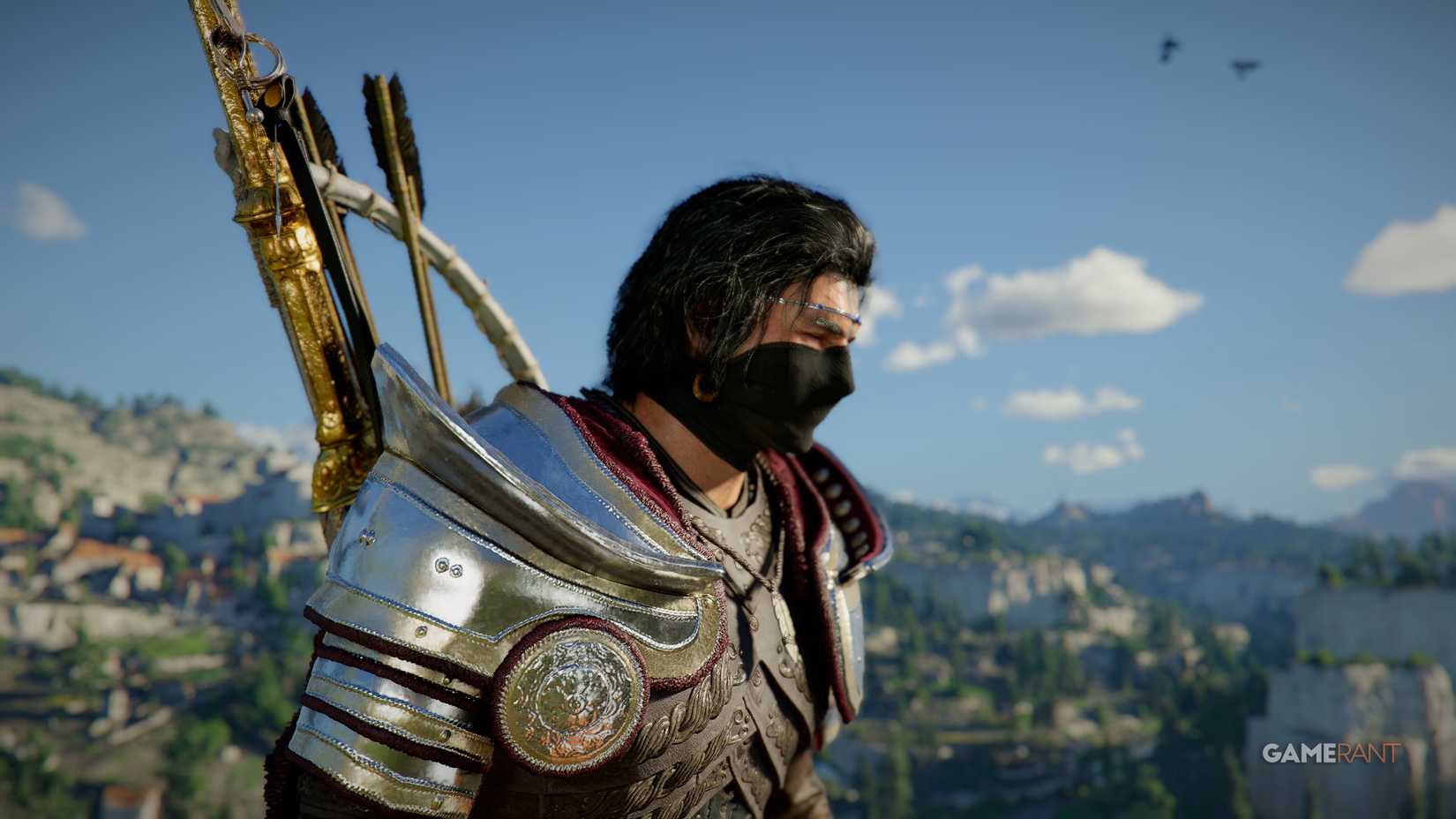
Image via GameRant; Source: Pearl Abyss
You cannot hide your helmet in Crimson Desert.
Your only option will be to remove your helmet, which will also remove the Abyss Gears and Defense levels that you have on said helmet.
Thankfully, the Armor Wheel is a fast way to remove your helmet so you can equip and unequip it without too much hassle.
Pearl Abyss hasn’t commented on whether they’ll add an option to hide helmets in a future update, but with how much content Crimson Desert already has, we wouldn’t rule it out as something that could happen in a future update.
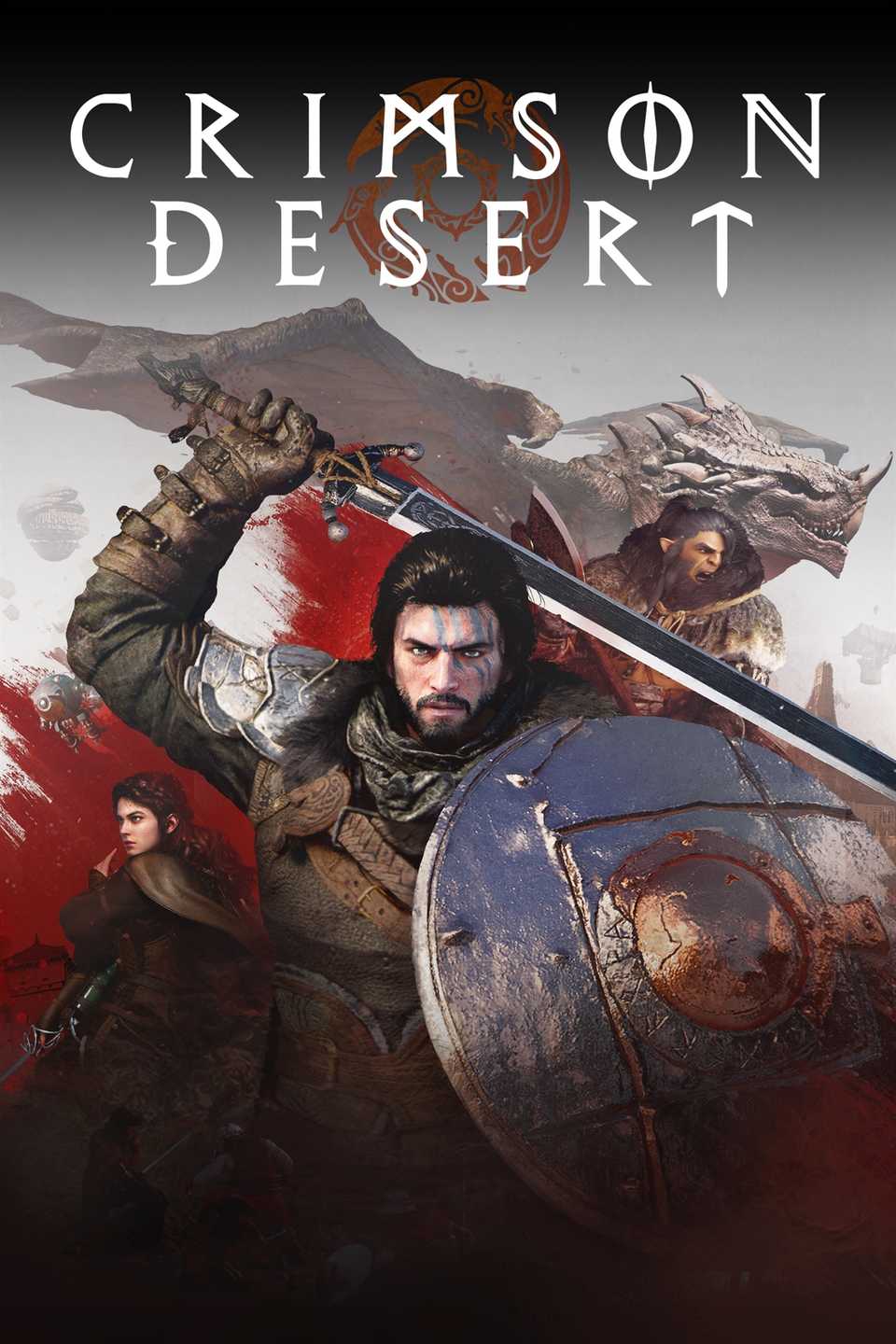
Released
March 19, 2026
ESRB
Mature 17+ / Blood, Drug Reference, Intense Violence, Strong Language
Developer(s)
Pearl Abyss
Publisher(s)
Pearl Abyss
